You want to start Uber Eats delivery driver jobs. You need clear steps. You want facts you can trust.
This Uber Eats driver jobs guide gives you exactly that. No fluff. No guesswork.
Confirm Basic Eligibility
Check your local rules in the app before you start. Requirements vary by country and city. They also depend on your delivery method.
Typical patterns are simple, following an Uber Eats driver jobs guide.
- Age. Minimum age depends on the mode. Many markets allow 18+ for bicycles or on foot. Many U.S. markets require 19+ for a car or scooter. Your city’s rules control.
- License and documents. You need a valid government ID. If you use a motor vehicle, you need a valid driver’s license. You also need any registration and insurance required in your area.
- Right to work. You must be legally allowed to work as an independent contractor in your country.
- Smartphone. You need a reliable iOS or Android phone that runs the Uber Driver app well.
If your city uses extra permits for delivery, follow those rules. Some places require specific insurance types for commercial delivery. Your local law wins.
Decide Your Delivery Method
A car is good for longer distances. You need a valid license, registration, and personal insurance that meets local law.
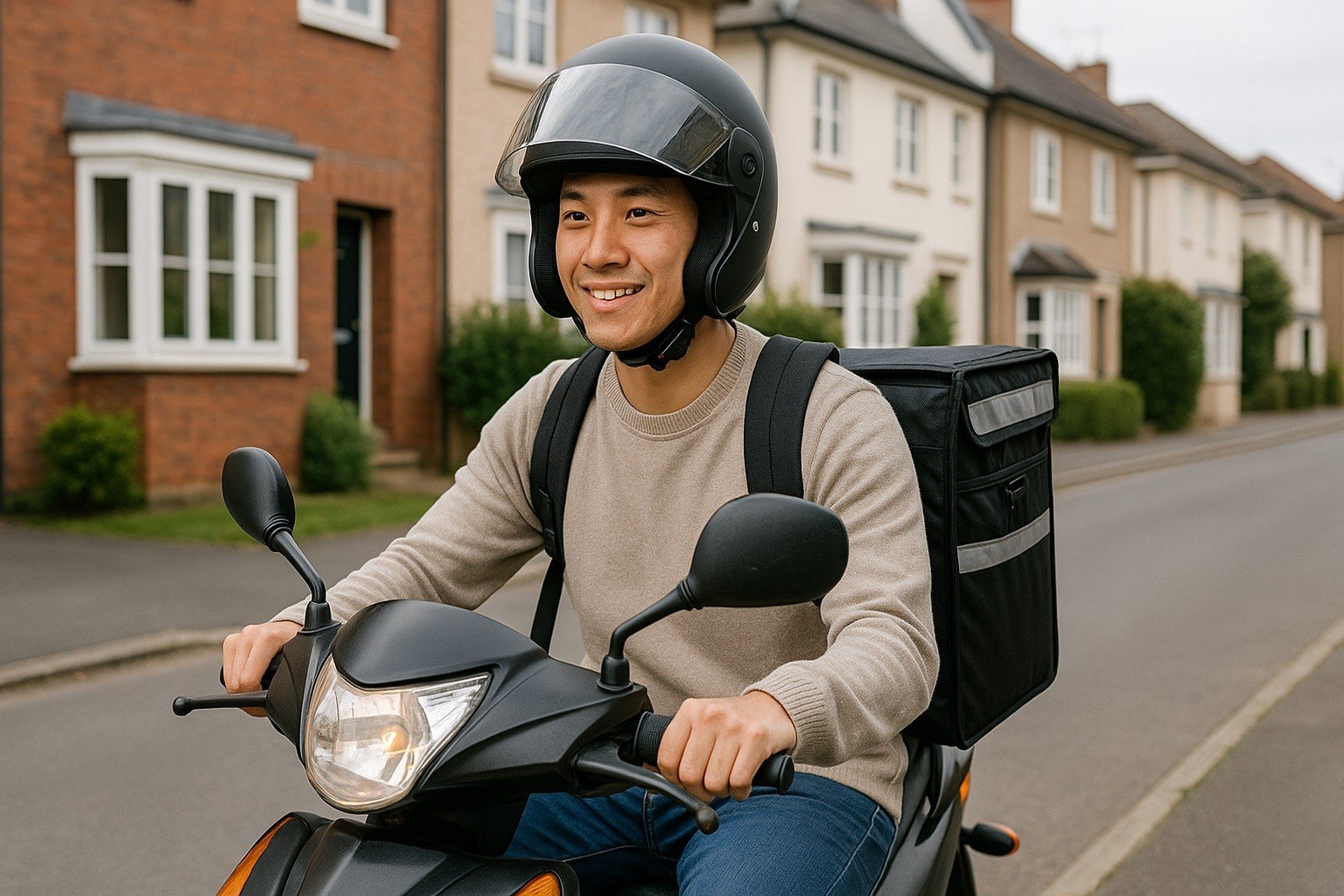
A scooter or motorcycle is quick in dense traffic. You need a valid license and any local registration or insurance required.
Bicycles have a low cost to start. You usually need only a government ID. Check the city’s age and equipment rules.
On foot (where allowed) works in very dense areas. You still verify your identity.
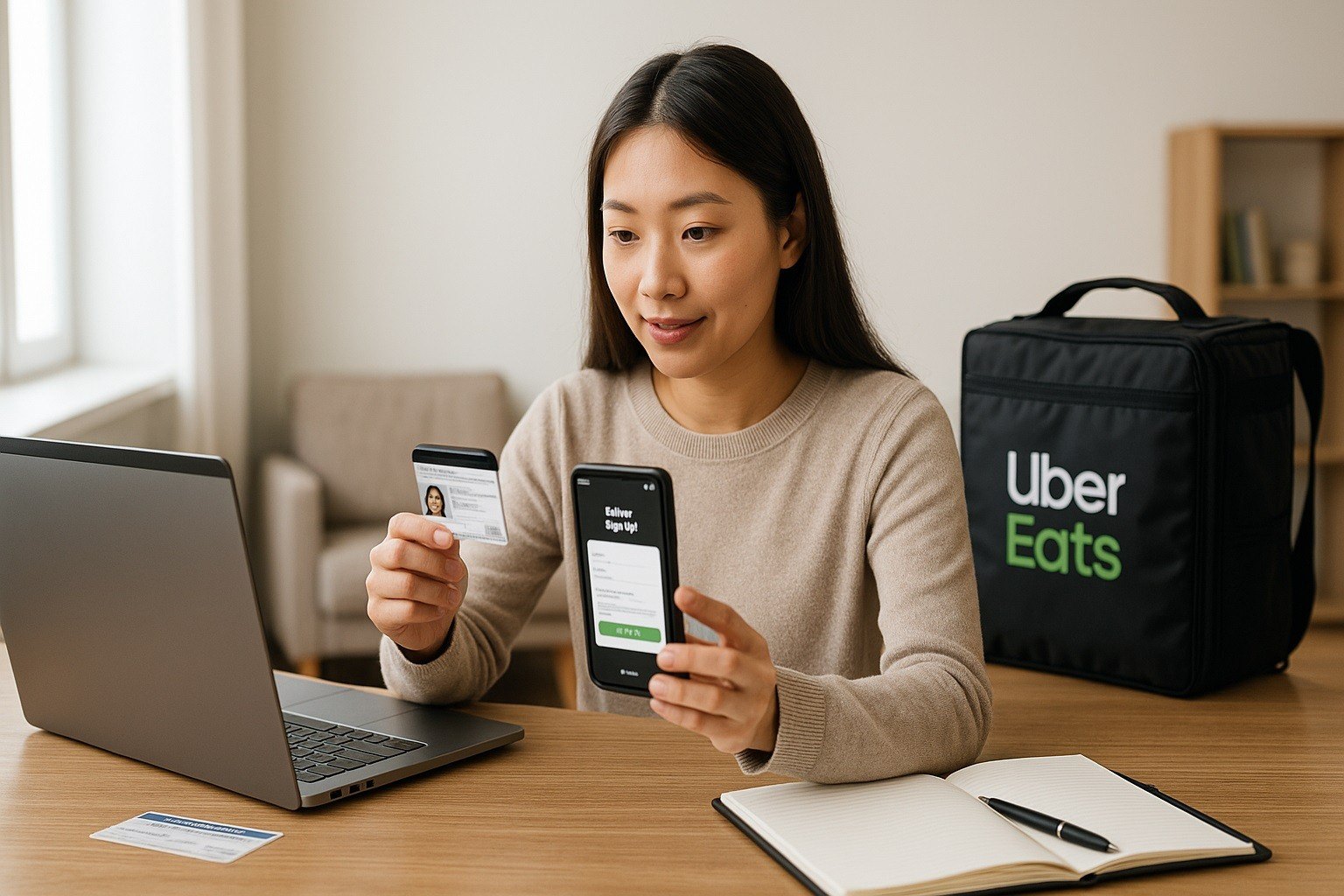
Prepare and Upload Your Documents
Do this carefully. In delivery driver jobs like Uber Eats, clear documents speed up approval.
Government ID or driver’s license, front and back if required. Proof of vehicle insurance if you use a motor vehicle.
Vehicle registration if your city requires it. A clear profile photo. Face forward. No sunglasses. Good lighting. Neutral background.
Upload the highest-quality images you can. Avoid glare and cut-off corners. Check expiration dates. Expired documents are rejected.
Create Your Account
You can start on the web or in the Uber Driver app. Use your legal name. Use a phone number and email you will keep.
Set a strong password. Agree to the terms. Authorize a background check when prompted.
Stay available by phone and email in case support requests more info.
Complete the Background Check
Most markets use a third-party provider. You give consent in the app. The check reviews identity and applicable records as allowed by law.
Processing time varies by city and provider. It can take several days. Watch your app for status updates.
If the provider asks for more details, respond quickly. Provide accurate information that matches your application.
Wait for Activation and Set Up Your App
Once your documents and check are approved, your account gets activated. Open the Uber Driver app. Complete any short onboarding steps.
Review in-app safety guidelines. Turn on notifications for new opportunities. Set your preferred delivery method and vehicle.
Add your bank payout details. Double-check your name and tax info so your payouts and year-end forms are correct.
Your Uber Eats driver job application will then be complete.
Understand How You Get Paid
Your pay is dynamic. It depends on your market, time, distance, and other factors. In general, your earnings can include:
- A base amount for time and distance or estimated effort.
- Possible trip supplements for specific conditions.
- Promotions, quests, or surge incentives, when available.
- Tips from customers.
- Reimbursements such as eligible tolls, where applicable.
Payout frequency depends on your market. Many markets offer weekly payouts.
Instant cash-out features may be available in some places with a small fee. Check the Payments section in the app for your exact options.
Know Your Contractor Status and Taxes
You are an independent contractor. You control when you go online. You control where and when you deliver. You are responsible for your own taxes.
Keep simple records from day one. Track your earnings and your costs.
Common costs include fuel, maintenance, phone service, data, protective gear, and parking.
Your year-end forms depend on your country and local rules. Review your tax guidance locally and consult a professional if you are unsure.
Handling Alcohol and Age-Restricted Items (where allowed)
Some markets allow alcohol deliveries. The app guides you through ID checks. You must check the legal age.
You must refuse the delivery if the recipient is underage, intoxicated, or lacks a valid ID.
Do not deliver to public areas where local rules forbid it. Follow local laws exactly.
If you cannot complete the delivery, follow the in-app steps for returns or cancellations.
Start Your First Delivery The Right Way
Go online in the app from a busy area. Accept an order that fits your mode and distance comfort.
Navigate to the merchant using in-app GPS. Check the order name and items at pickup. Confirm any sealed bags or drinks.
Communicate clearly with short messages if needed: arrival time, pickup issues, or drop-off details.
Follow the app to the customer. Park safely. Deliver as instructed. Mark the order as delivered. Add any required photo proof. Move to the next order.
Payout Setup and Troubleshooting
Open the Earnings or Wallet section in the app. Add your bank account details. Match your legal name.
Check the micro-deposit or verification steps if they apply. If a payout fails, verify your bank info, address, and ID details. Fix mismatches.
Contact in-app support if a payment does not arrive on the expected date. Keep your email and phone active in case support needs more information.
Vehicle and Equipment Tips
Car or scooter: Keep your vehicle maintained. Tires, brakes, lights, and wipers matter. Keep proof of insurance and registration in the vehicle.
Bike: Use lights, reflectors, and a secure lock. Check brakes and tire pressure daily. Carry basic repair tools.
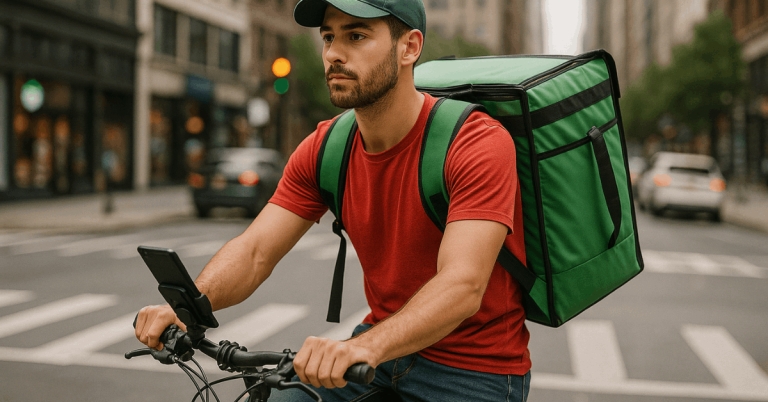
Thermal bag: Choose a size that fits your mode. Clean it regularly. Replace it when worn.
Phone gear: Use a sturdy mount and a fast charger. Carry a backup cable. Protect your phone from rain with a waterproof case if you ride or walk.
Market Rules, Deactivation, and Appeals
Follow all local laws and platform policies. Fraud, unsafe behavior, or policy violations can lead to temporary or permanent deactivation.
Read the app’s community guidelines. If you face a document or background check issue, review the notice in the app.
Submit any requested corrections quickly. If an appeal option exists in your market, follow the listed steps.
Cost Control and Earnings Habits
Treat this like a small business. Choose hours with strong demand in the Uber Eats delivery job app.
Stack short trips in dense areas when it makes sense. Avoid long, unpaid waits when you can.
Track your mileage or travel distances if relevant to your tax rules. Plan maintenance. Small fixes prevent big costs.
Review your earnings per hour each week. Adjust your schedule based on results.
Uber Eats Driver Jobs Guide: Final Notes
Follow this Uber Eats driver jobs guide. Deliver during steady hours. Learn your city’s patterns. Keep your documents current.
Keep communication short and professional. Respect local laws and platform policies at all times. You can scale up once you know your numbers.